

PrintSimplify Orders · ₹299/month
Order management for print and photo shops
A walk-in customer wants three photos in 8×10 frames and one mug. Write the order once, get the original photos into that order, hand the files to CorelDRAW or Photoshop, and close it with a clear bill — without hunting through chats.
One order, start to finish
What happens at the counter
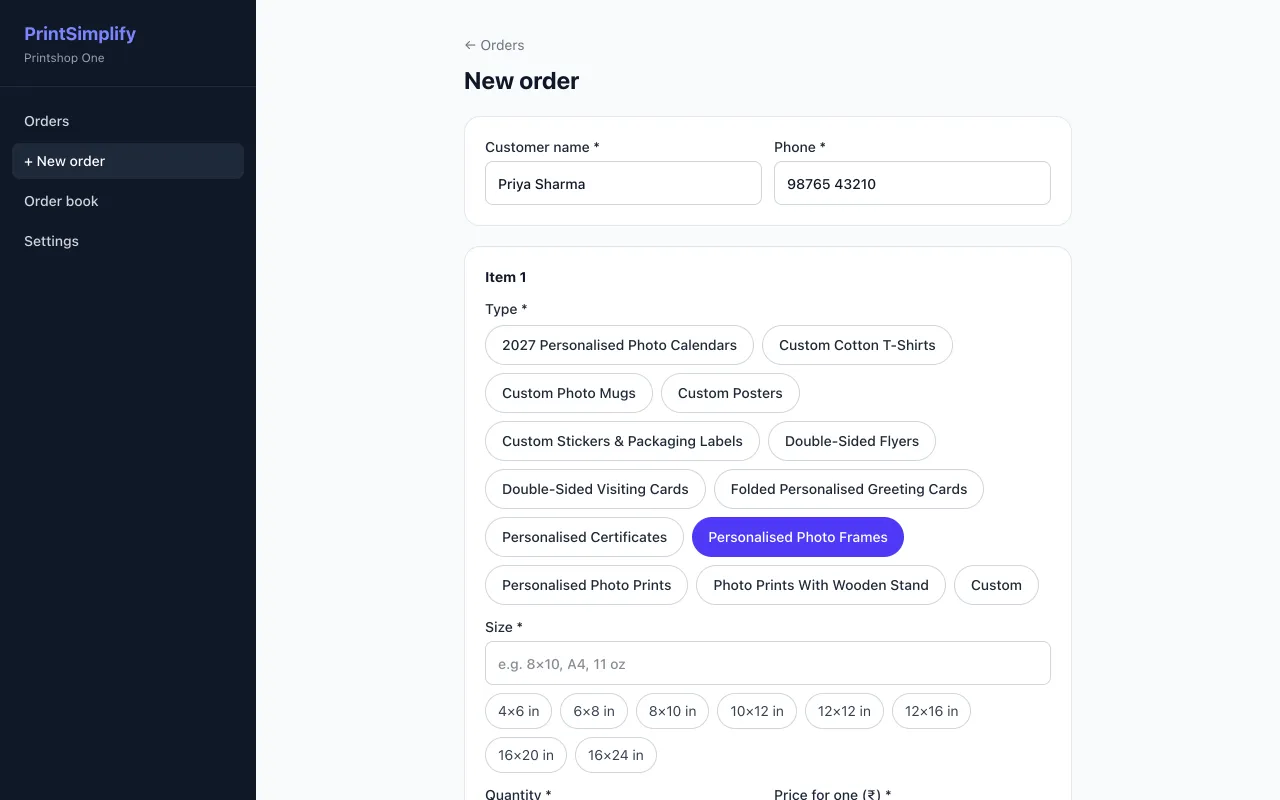
Write the order while the customer is standing there
Customer name and phone number first. Then tap the product and the size — the buttons are your own rate card, so the price comes in by itself. Add quantity, an advance and a discount in rupees if there is one.
- Several items in one order, each with its own size and quantity
- A custom item for one-off jobs that are not on the rate card
- Total, advance and amount due worked out for you
Photos arrive inside the order, not in your chat
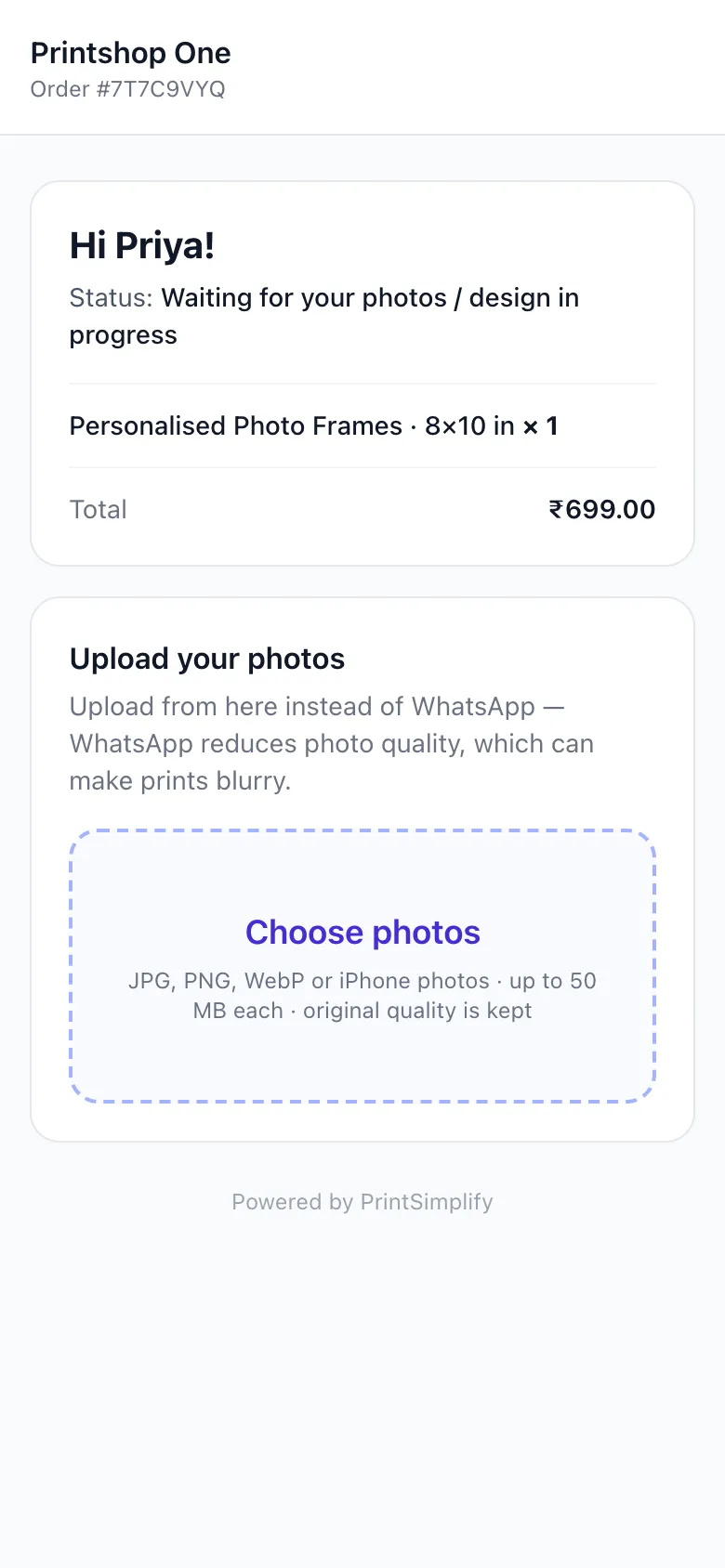
At the counter, turn the screen around and let the customer scan the QR code. For someone at home, send the same link on WhatsApp or SMS. They pick photos from their gallery in the phone browser — no app to install, no account to create.
- JPG, PNG, WebP and iPhone photos, up to 50 MB each
- Original files are kept, so you can check the real pixel size
- The page greets the customer by name, so they know it is the right order
Why this matters: photos sent as ordinary WhatsApp images are usually compressed. See why WhatsApp photos print blurry.
Download all, already named
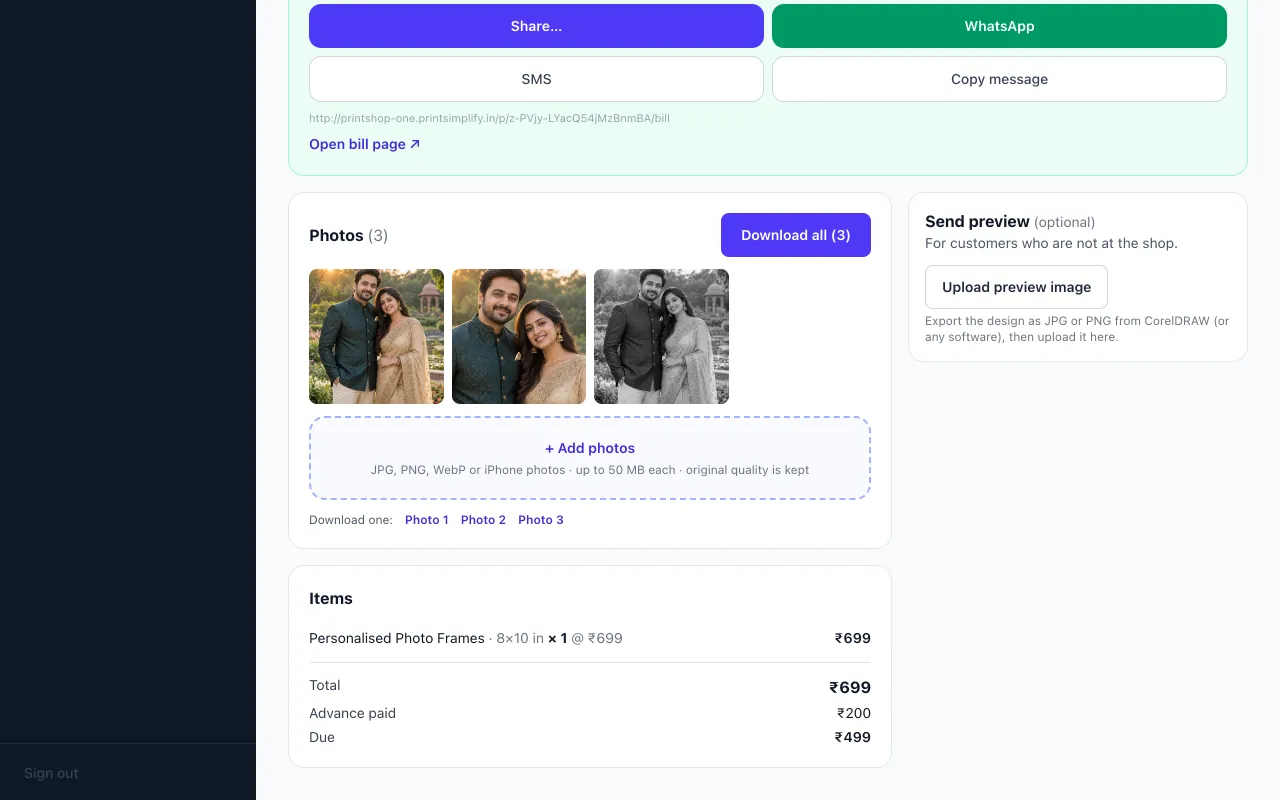
When the photos are in, one button downloads them as a single folder named after the customer and order number. Each file carries the customer's name and a number, so photo 2 of Priya's order never ends up in someone else's frame.
Priya-Sharma-LP6IYUKB/
Priya-Sharma-photo-1.jpg
Priya-Sharma-photo-2.jpg
Priya-Sharma-photo-3.jpg
Need only one? Each photo also has its own download link.
Three statuses your staff will actually use
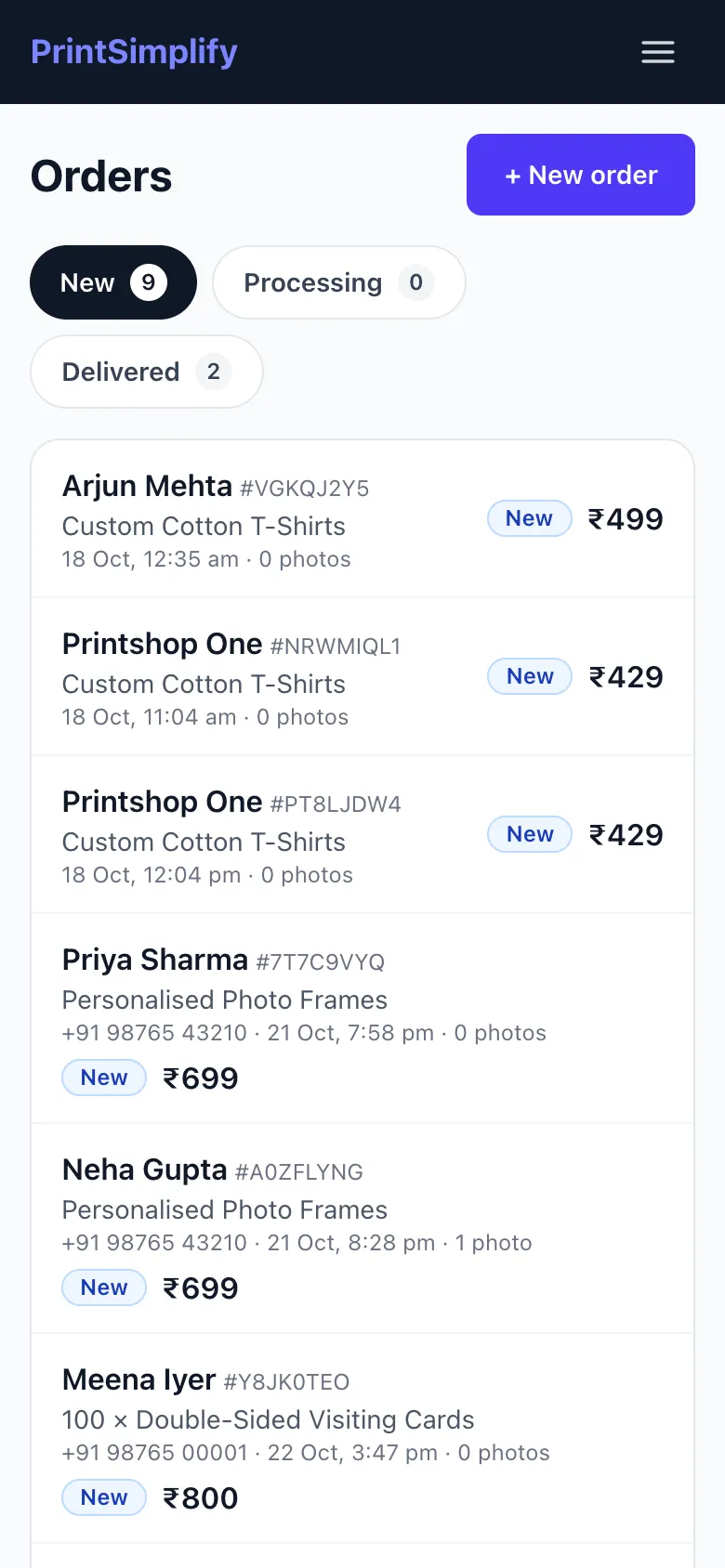
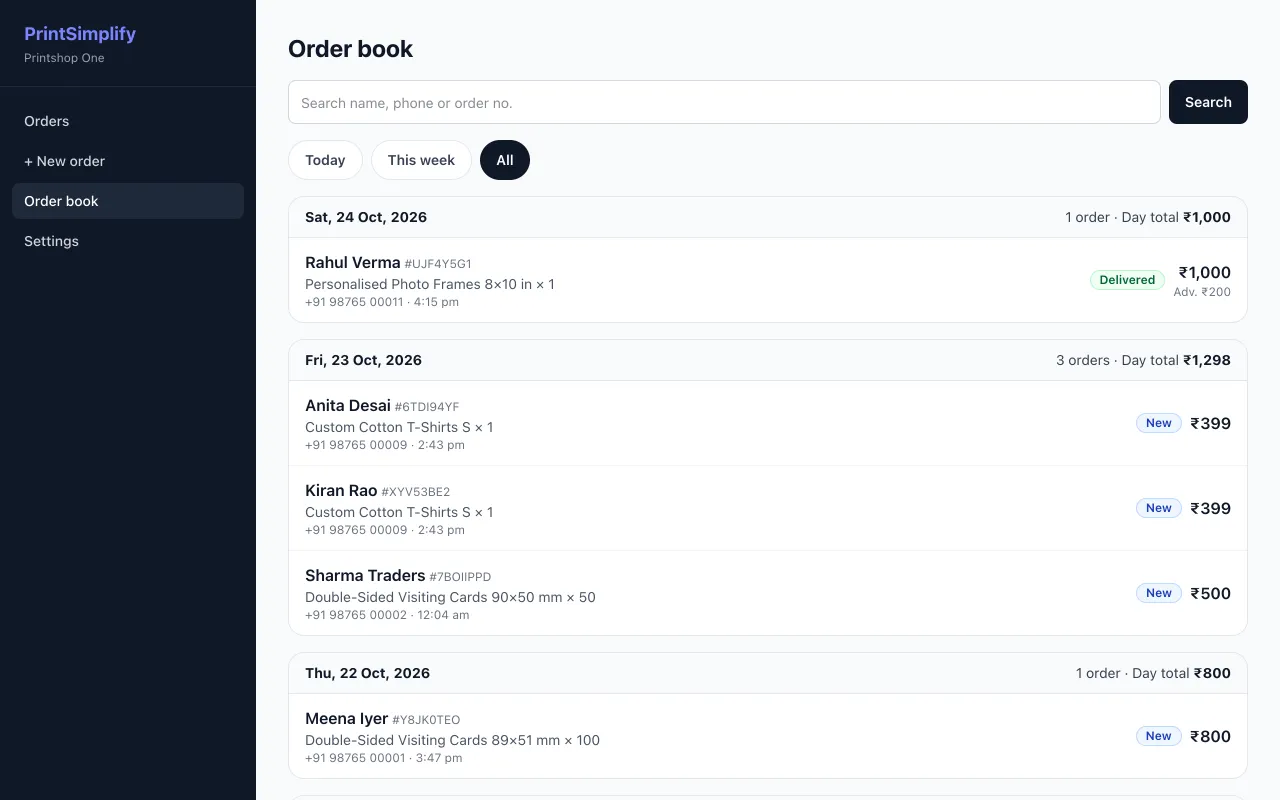
New when the order is written, Processing while it is being designed or printed, Delivered when it leaves the counter. The order list on the phone has a tab for each, so anyone in the shop can see what is pending.
For customers who are not at the shop, you can upload a preview image (for example a JPG exported from CorelDRAW) and share it before printing. This is optional.
The bill message, ready for WhatsApp
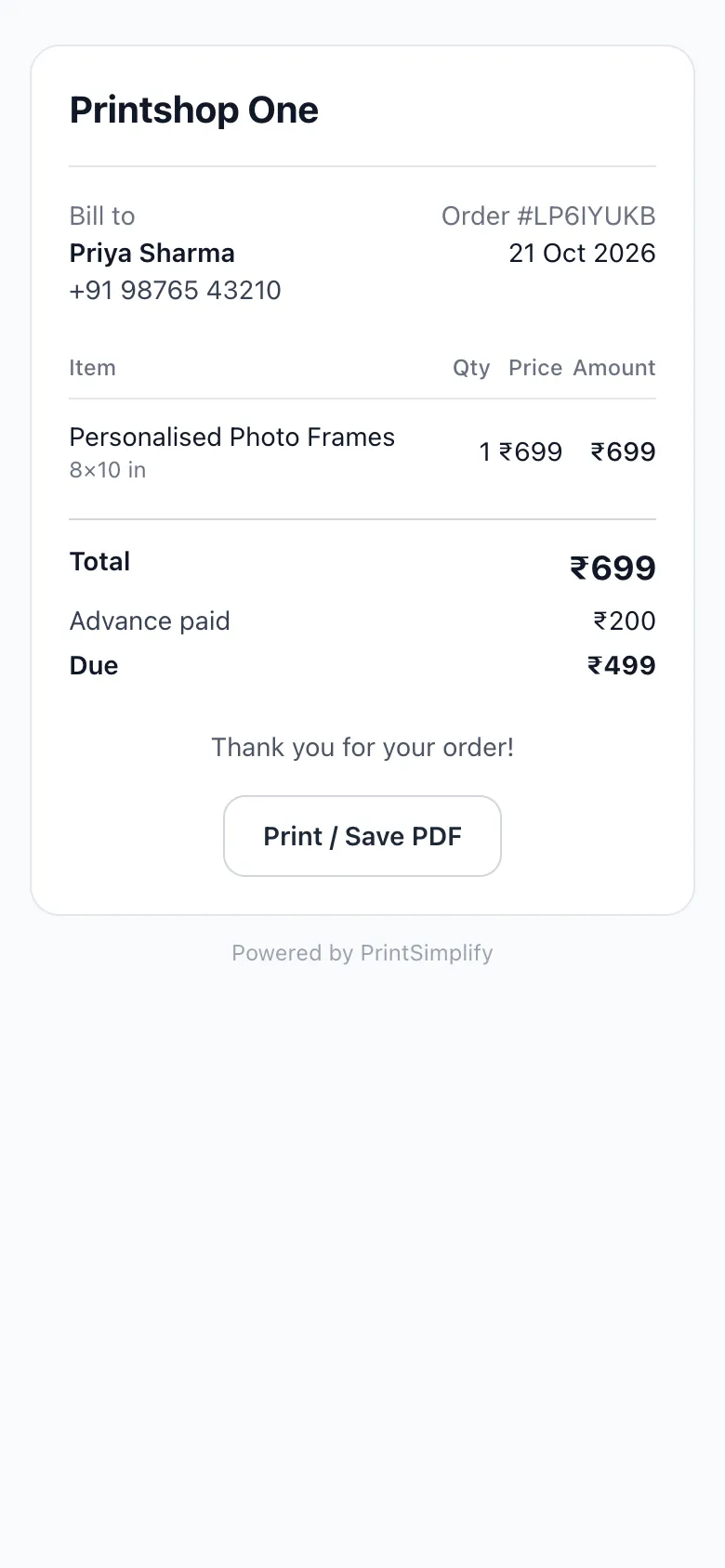
Marking an order Delivered prepares a bill message with each item, the subtotal, any discount, the total, the advance paid and the amount due. It opens in WhatsApp for you to check and send — nothing is sent on its own.
The message links to a bill page with your shop name that the customer can print or save as a PDF.
- Subtotal, discount, total, advance and due on one page
- Also shareable by SMS or copied as text
Is it right for your shop?
Good fit, and current limits
Made for
- Photo studios and print shops with walk-in customers
- Shops that design in CorelDRAW or Photoshop and want the files organised
- Gift shops taking frame, mug and photo print orders over WhatsApp
- Counters run from a phone, a shop computer, or both
Not included today
- Collecting payments online — you settle with the customer as you do now and record the advance.
- GST invoices or accounting.
- Sending WhatsApp messages automatically — messages are prepared and you tap send. Coming soon
- Customers designing products themselves — that is the Store plan.
Fair use for Orders is up to 300 photos a day. See pricing and what setup includes.
See it with your own rate card.
Send us your products and prices on WhatsApp and we will show you a real order in your shop's name.